Add Object into Photo AI – Free Online
Upload a picture and describe what you want to insert—our add object into image AI blends new elements into your photo with matching lighting, shadows and perspective.
Credits
Click or drag to upload
PNG, JPEG, WebP (max 10MB)
Register now to get 10 credits free for add object to photo AI.
Edited image will appear here
Upload an image and describe the object to add
Example Object Additions
See how add object into photo AI can insert products, people and decor into photos while keeping lighting, shadows and perspective consistent.
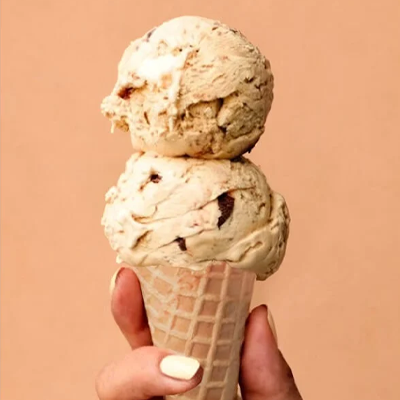
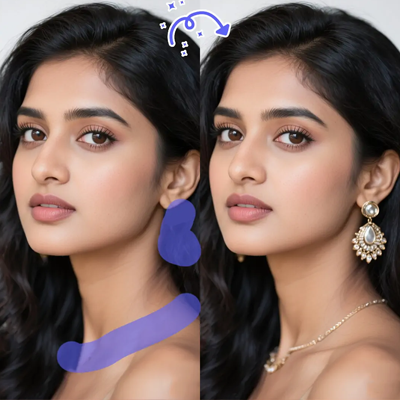
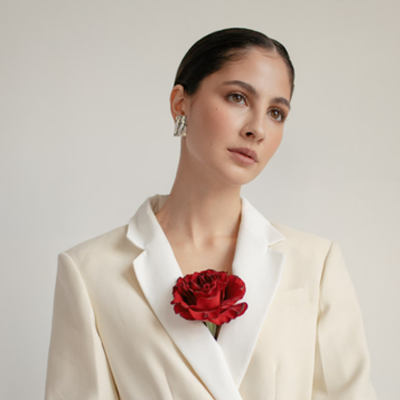
Add Object into Photo AI Online Free
IndianAI's add object into photo AI tool lets you take any picture and quickly drop in new elements without complex Photoshop work. Instead of cutting and pasting layers manually, you simply describe what you want to add and the AI handles composition, blending and clean edges.
This makes it perfect when you want to add products to lifestyle scenes, place people into group photos, or enhance a room with extra decor while keeping the original photo looking natural.
How Add Object into Image AI Works
1. Upload your base photo (JPG, PNG or WebP) to the editor.
2. Type a clear prompt like "add a coffee mug on the table on the right" or "insert a plant next to the sofa".
3. The add object to photo AI analyzes lighting, perspective and empty space in the image.
4. AI inserts the new object with matching shadows and reflections so it feels part of the original scene.
Best Uses of Add Object to Photo AI
• Creating product mockups by adding items into lifestyle photos
• Enhancing real estate and interior shots with extra furniture or decor
• Adding people, pets or props into social media images
• Quickly testing different layout ideas for branding and ad creatives