Remove Object from Photo AI – Free Online
Upload a picture, brush over what you don't want and let remove object from image AI clean the photo for you. Erase people, logos and random things from photos without advanced editing skills.
Credits
Click or drag to upload
PNG, JPEG, WebP (max 10MB)
Register now to get 10 credits free for remove object from photo AI.
Edited image will appear here
Upload an image and describe the object to remove
Example Object Removals
See how remove object from photo AI can clean logos, people and random things from your pictures while keeping the background natural.
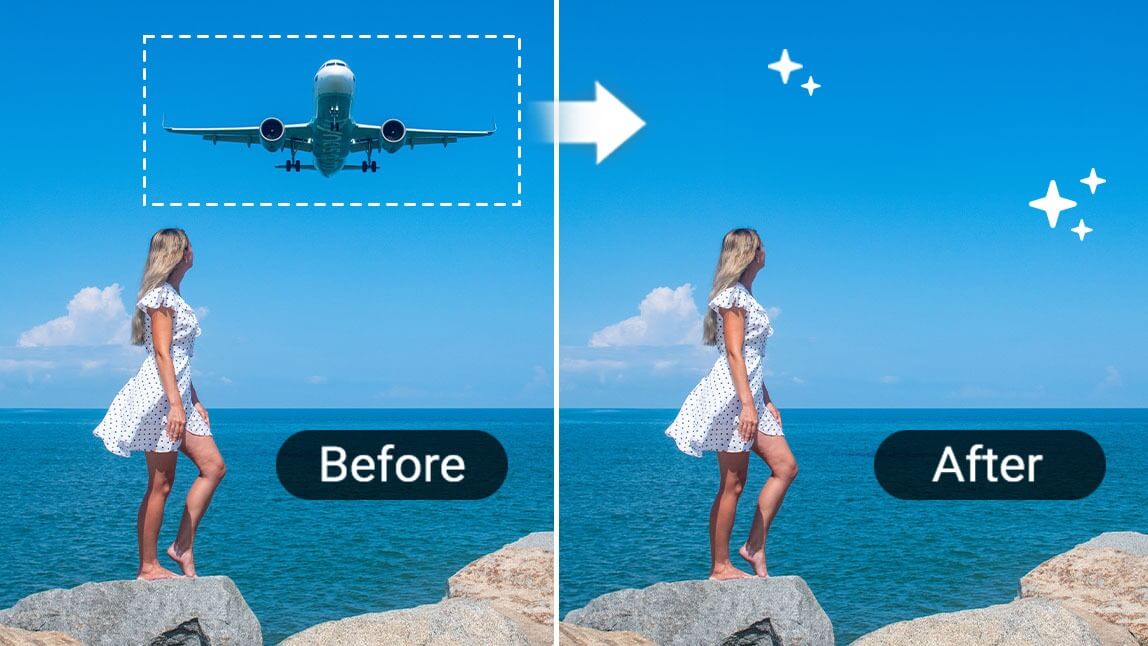
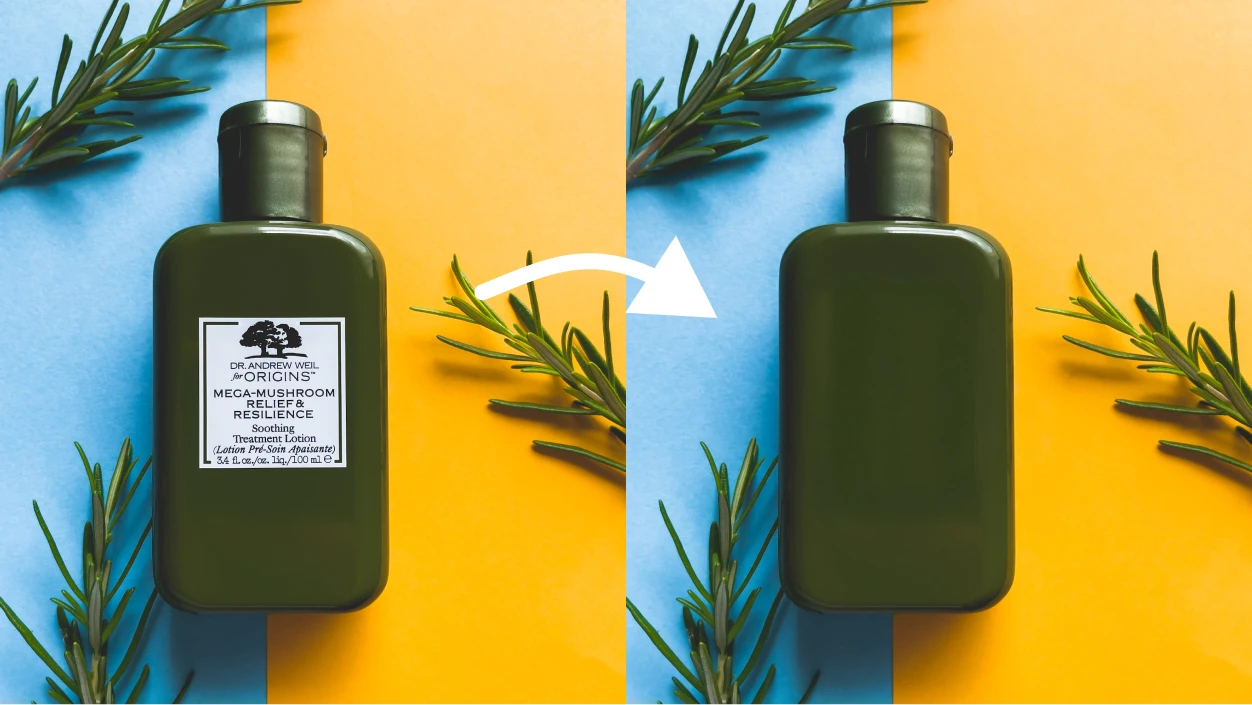
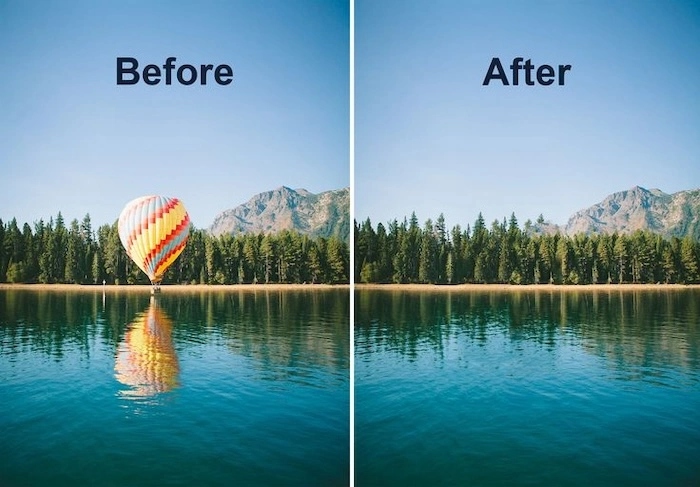
Remove Objects from Photos AI Free
IndianAI's remove object from photo AI tool makes it easy to clean up vacation shots, product images and portraits. Instead of manually cloning backgrounds, you simply brush over what you want to erase and the AI rebuilds the missing area automatically.
This is ideal when you want to remove things from pictures like random people, trash bins, text, logos or any distractions that pull focus away from the main subject.
How Remove Object from Image AI Works
1. Upload your photo where you want to remove objects or things.
2. Paint over the person, logo or item you want to erase using the brush.
3. The remove objects from image AI analyzes nearby pixels and fills the gap with matching background.
4. Download a clean version of the picture without the unwanted elements.
Best Uses of Remove Things from Pictures AI
• Cleaning product photos by removing background clutter or props
• Removing photobombers and strangers from travel or event photos
• Erasing text, logos and watermarks before reuse in designs
• Fixing real-estate and interior shots by removing wires, stains or objects
Frequently Asked Questions