AI Image Vectorizer Free – Convert PNG & JPG to SVG
Convert images to scalable SVG vectors with free AI image vectorizer. Transform PNG, JPG, and photos into crisp vector graphics perfect for logos, icons, and design. No watermark, no signup required.
Credits
Click or drag to upload
PNG, JPEG, WebP (max 10MB)
Register now to get 10 credits free for AI image vectorizer.
Vectorized image will appear here
Upload and vectorize an image to see the result
Example Vectorizations
See how AI image vectorizer free can convert PNG, JPG to SVG and transform images into scalable vectors instantly.
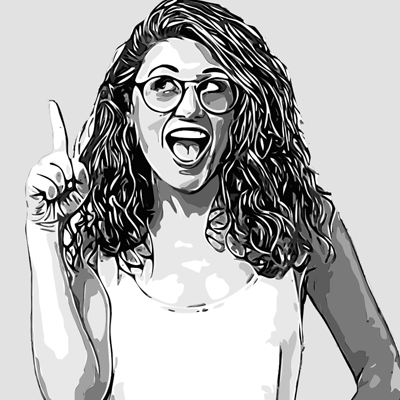
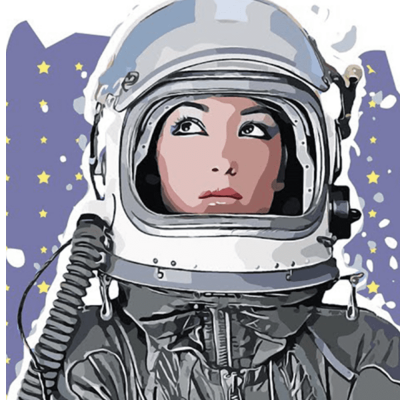
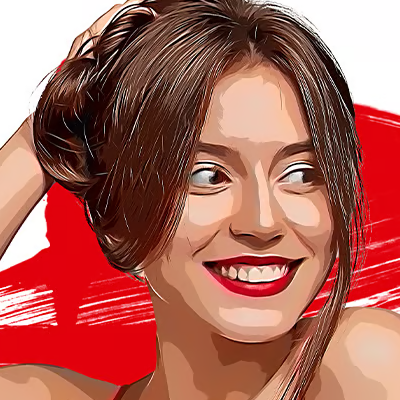
AI Image Vectorizer Free Online
Our AI image vectorizer free helps you instantly convert raster images (PNG, JPG) into scalable SVG vector graphics using advanced artificial intelligence. With just one click, you can transform photos, logos, and illustrations into crisp, resolution-independent vectors — completely online and free.
Whether you want to convert PNG to SVG, JPG to vector, or create scalable graphics for logos and icons, our AI photo vectorizer free tool gives professional-quality results in seconds. No software download. No design skills needed. Just upload → vectorize → download.
How AI Image Vectorizer Works
• Upload your image — Drag and drop or click to upload PNG, JPEG, or WebP images (max 10MB)
• AI analyzes and traces — Advanced AI detects edges, shapes, and colors to create vector paths
• Vector generation — AI converts raster pixels into scalable SVG paths and shapes in seconds
• Download SVG vector — Get your scalable vector file ready for design software, web, or print
Best Uses of AI Convert Image to Vector
• Convert PNG to SVG — Transform PNG logos and graphics into scalable SVG vectors
• Convert JPG to vector — Turn JPG images into crisp, editable vector graphics
• Logo vectorization — Create scalable logos that work at any size without quality loss
• Icon design — Generate vector icons for apps, websites, and branding
• Print design — Prepare images for print with crisp, scalable vectors
• Web graphics — Create SVG assets that scale perfectly on all devices and screen sizes
Frequently Asked Questions