Remove Background from Image AI – Free Online
Upload any image, photo or picture and remove background from image AI will erase it in seconds. Free remove background from photo AI tool perfect for products, portraits and social media graphics.
Credits
Click or drag to upload
PNG, JPEG, WebP (max 10MB)
Image with removed background will appear here
Upload an image to remove its background
Example Background Removals
See how remove background from image AI can erase backgrounds from products, portraits and objects while keeping edges clean and natural.
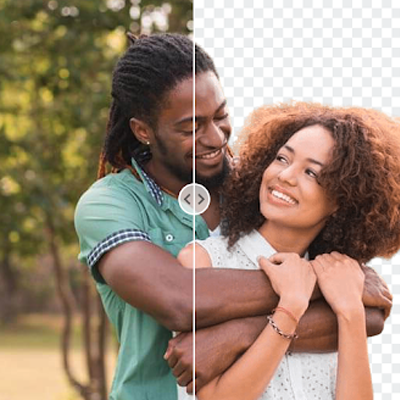
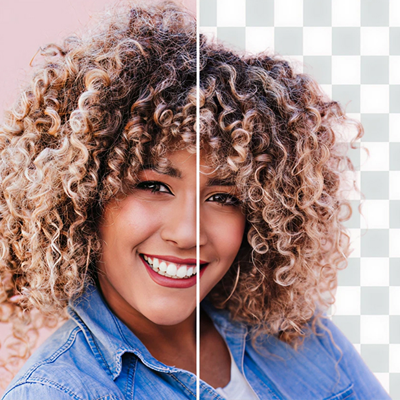

Remove Background from Image AI Free
IndianAI's remove background from image AI tool lets you upload any photo, picture or image and erase the background in seconds. Instead of spending hours in Photoshop, the remove background from photo AI scans edges, colors and patterns to create precise cutouts automatically.
This remove background from picture AI is perfect when you need transparent PNGs for e-commerce listings, social media graphics, website design or creating composite images with custom backgrounds—all without manual editing skills.
How Remove Background from Photo AI Works
1) Upload your image, photo or picture (PNG, JPG, WebP supported)
2) Remove background from image AI automatically detects subject edges and separates it from background
3) AI analyzes colors, patterns and lighting to create clean cutouts
4) Download transparent PNG or save to your library instantly
Best Uses of Remove Background from Image AI
• E-commerce product photos for Amazon, Shopify and Etsy listings
• Professional headshots and profile pictures with clean backgrounds
• Social media graphics and website design assets
• Creating product mockups and transparent overlays for marketing
Frequently Asked Questions