Image to Style Converter – Photo to Style AI
Turn any photo into anime, cartoon, comic or painting styles using AI. Upload an image, choose a style and let the photo to style AI generate new artwork while keeping your subject and composition intact.
Credits
Click or drag to upload
PNG, JPEG, WebP (max 10MB)
Choose Style
Register now to get 10 credits free for photo to style AI.
Styled artwork will appear here
Upload an image and select a style
Example Style Transformations
A glimpse at the creative palette—mix painterly strokes, neon glows, dreamy watercolors, and more.
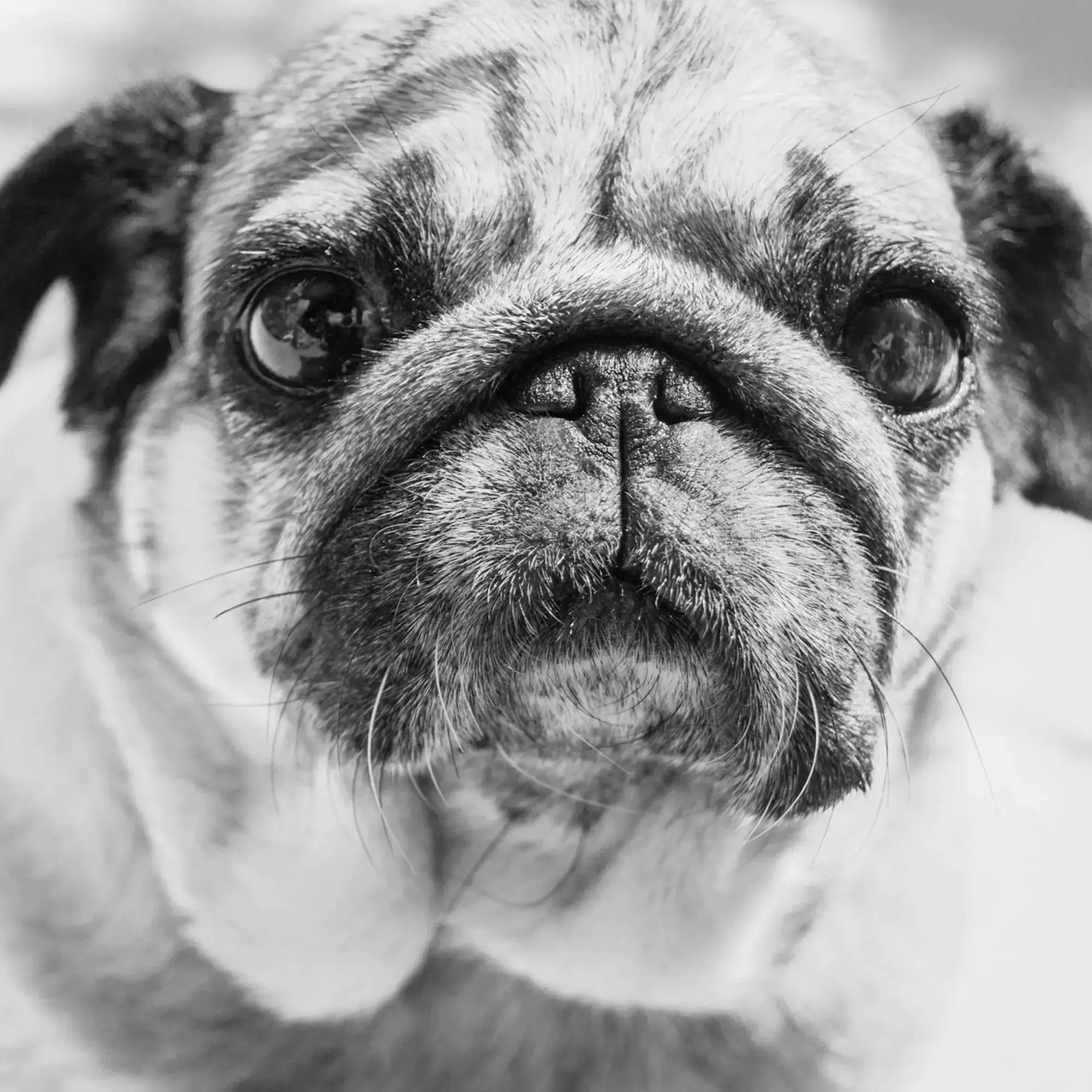
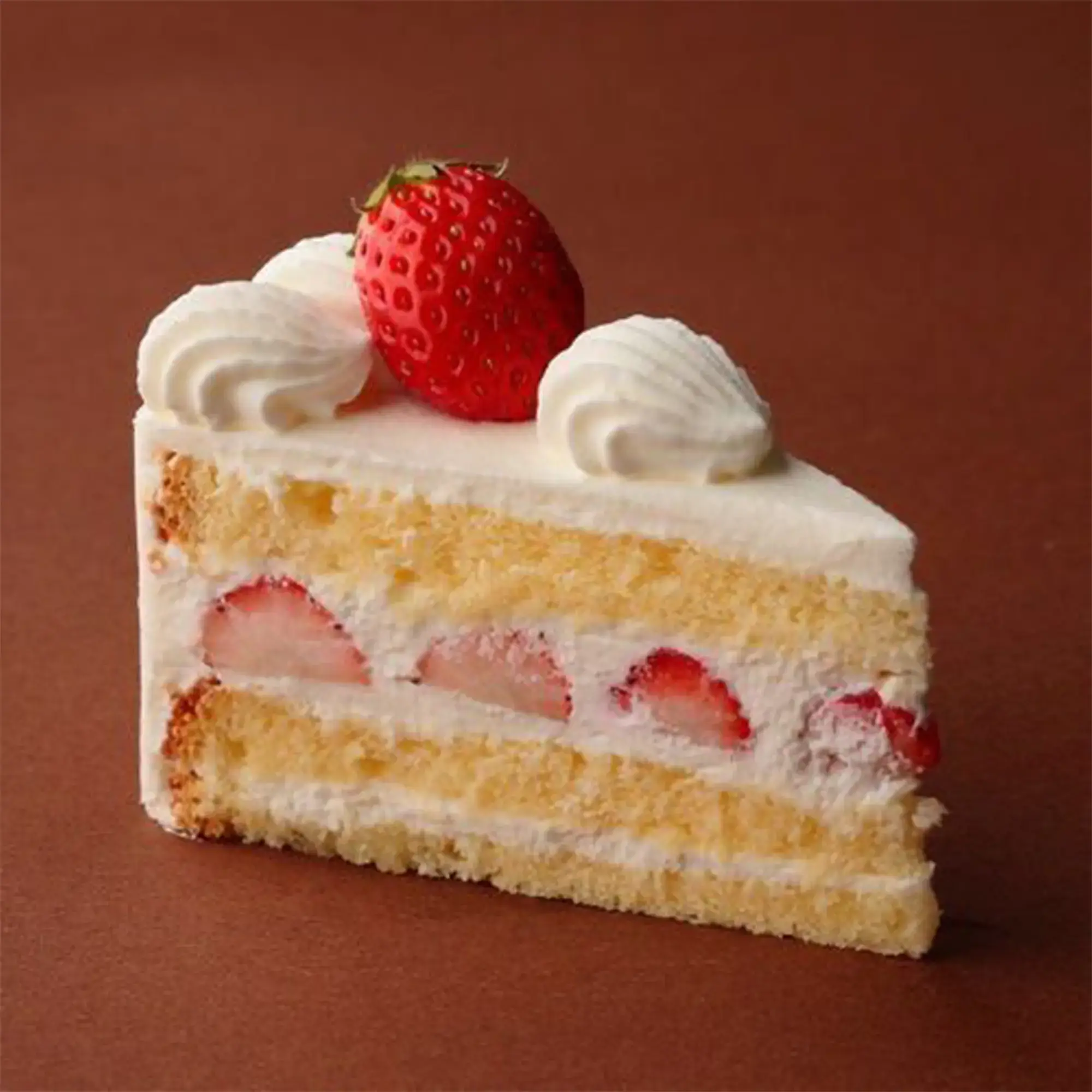
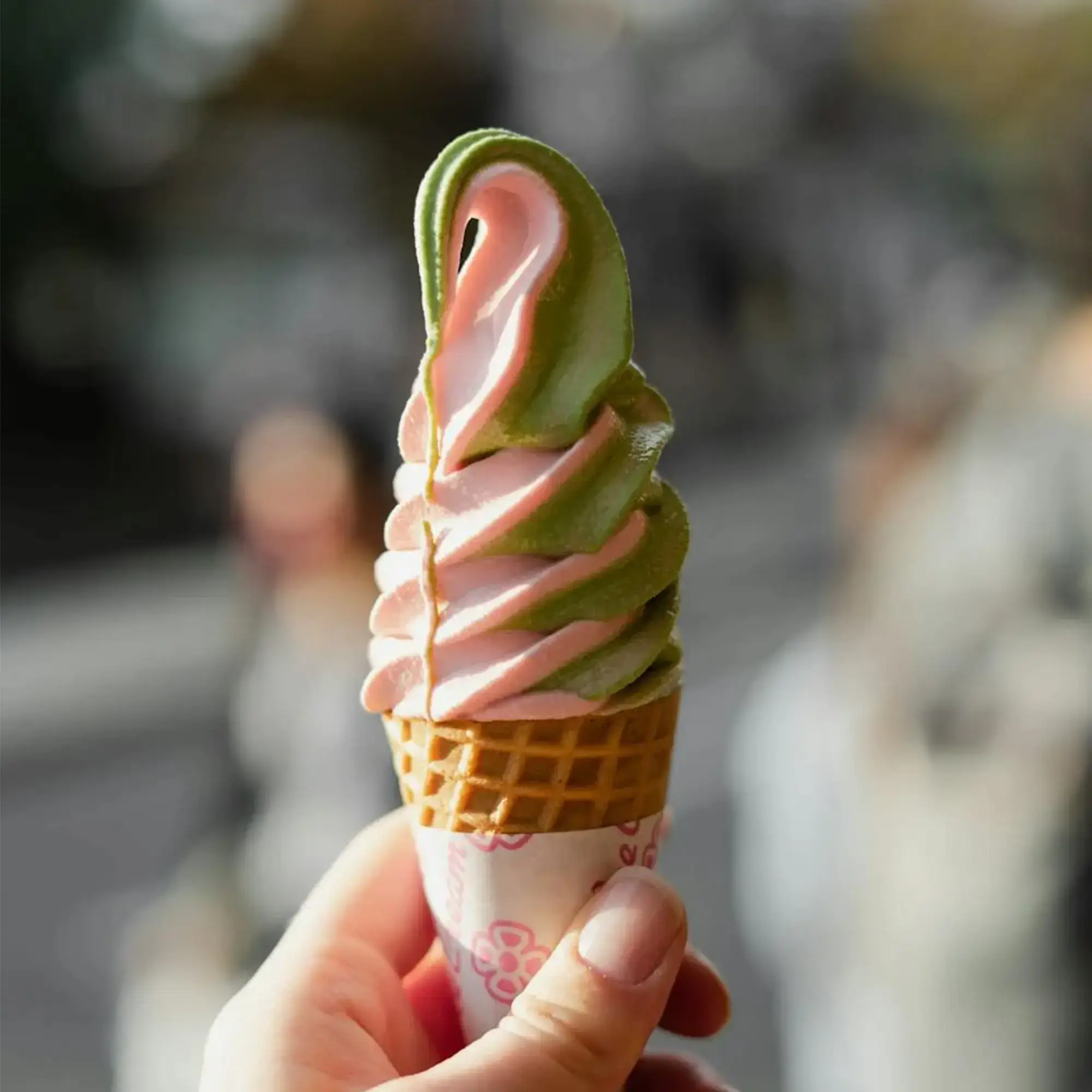
Image to Style Converter Online Free
IndianAI's image to style converter lets you upload any photo and instantly see it reimagined in a new visual style. Instead of manually editing in Photoshop, the photo to style AI handles brush strokes, colors and textures for you.
You can quickly test multiple looks—anime, comic, watercolor, neon, oil painting—until you find a version that fits your brand, thumbnail or creative project.
How Photo to Style AI Works
1. Upload your photo, portrait or product shot to the style transfer tool.
2. Choose a preset like anime style, comic style, cartoon or painting.
3. The AI analyzes subject, edges, lighting and colors to apply the new style cleanly.
4. Download the final styled image and reuse it for social posts, thumbnails or ads.
Best Uses of Image to Style Converter
• Creating anime or cartoon avatars from photos
• Designing YouTube thumbnails and social media covers with bold art styles
• Turning product shots into stylized marketing creatives
• Exploring different art directions for branding and design mockups
Frequently Asked Questions