Insert Objects
Add objects and elements to your photos with AI-powered insertion. Create dynamic, personalized images by combining multiple objects seamlessly into any scene.
Image Preview Area
Upload an image to insert objects into it.
Click or drag here to upload images
PNG, JPEG, WebP supported (max 10MB)
Visual Reference (Optional)
Upload reference image (optional)
Describe the object to insert
Be specific about what object you want to insert and where it should appear.
Why use this tool
• Add objects, people, and elements to create entirely new compositions
• Fill empty spaces and enhance scene composition with AI-generated content
• Create personalized images without complex editing skills
• Perfect for marketing, creative projects, and visual storytelling
How it works
1) Upload your base image and select where to insert objects
2) Provide visual references or descriptions of objects to add
3) AI generates and seamlessly inserts objects into your scene
4) Fine-tune placement and download your enhanced image
Best for
• Marketing and advertising creative composition
• Product placement in lifestyle and context photos
• Creating custom cover images and digital art
• Social media content with personalized elements
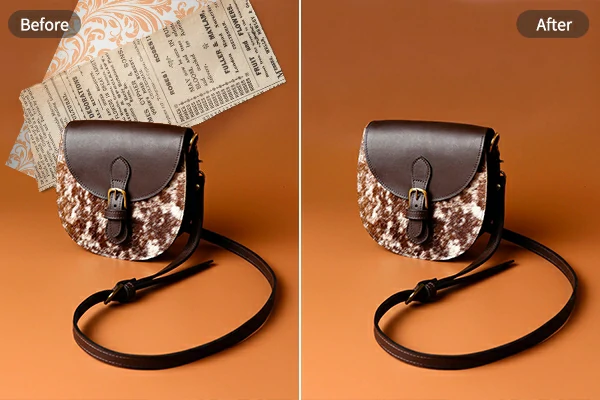
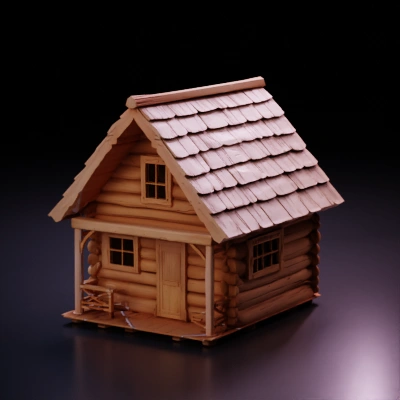
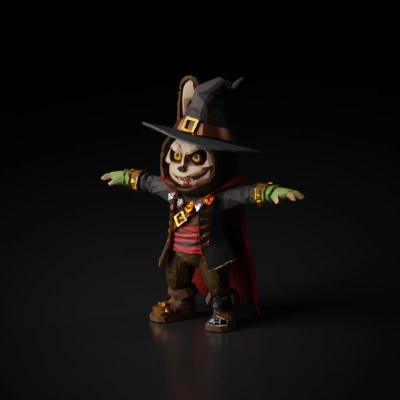
Example Object Insertions
Insert objects into photos with AI-powered composition and blending.
Frequently Asked Questions